
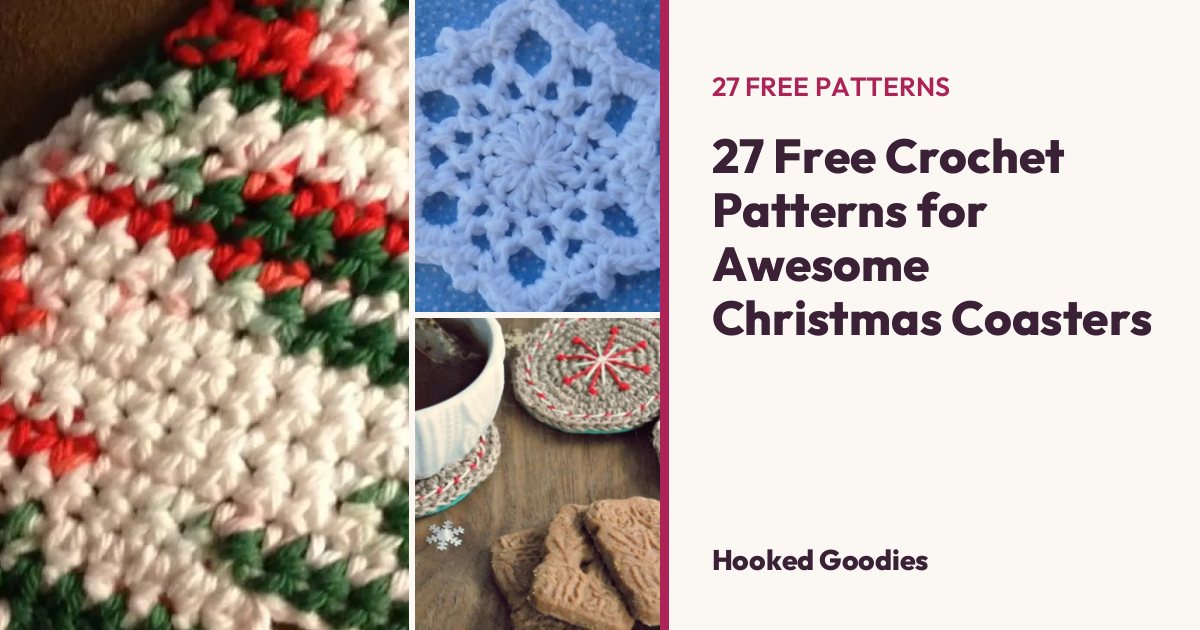
 27 patterns
Photo to C2C & Graphgan Pattern Maker
Turn any photo into a C2C or graphgan crochet chart, free and with no sign-up: choose the size and colours, then get the chart, a colour key with yarn amounts and the rows written out. Your photo never leaves your device.
New to this? Read the guide, with an example
Your photo stays on your device: your browser makes the chart, nothing is uploaded or saved.
1. Choose a photo
2. Settings
3. Your chart
Choose a photo and the chart appears here.
Colour key
Written rows
Start at the bottom-right corner. Odd rows: read the diagonal from its bottom end up; even rows: from its top end down. Letters are the colours in the key.
Start at the bottom. Odd rows (right side) are read right to left, even rows left to right.
How to turn a photo into a crochet pattern
- Pick a simple picture. Big shapes and strong contrast crochet best. Crop out busy backgrounds first if you can.
- Choose the size. More tiles or stitches means more detail and a bigger blanket. 60–100 across is plenty for most pictures.
- Choose few colours. Every colour is another yarn and more changes; 5–10 colours usually look best.
- Check the chart. Turn on “Tidy stray squares” to remove lone dots that are fiddly to crochet.
C2C or graphgan?
C2C is worked diagonally in small tiles and is the quickest way to crochet a picture blanket; each square of the chart is one tile. A graphgan is worked in rows of single crochet, one stitch per square, so it shows finer detail but takes longer. Single crochet stitches are a little wider than tall, so the graphgan chart has a few more rows to keep your picture’s shape.
Planning the size? The C2C blanket calculator shows how many tiles fit a throw or a bed.
Is my photo private?
Yes. The chart is made by your own browser. The photo is never uploaded to Hooked Goodies or anywhere else, and nothing is saved once you close the page.
Free patterns to try next
All roundups
27 patterns
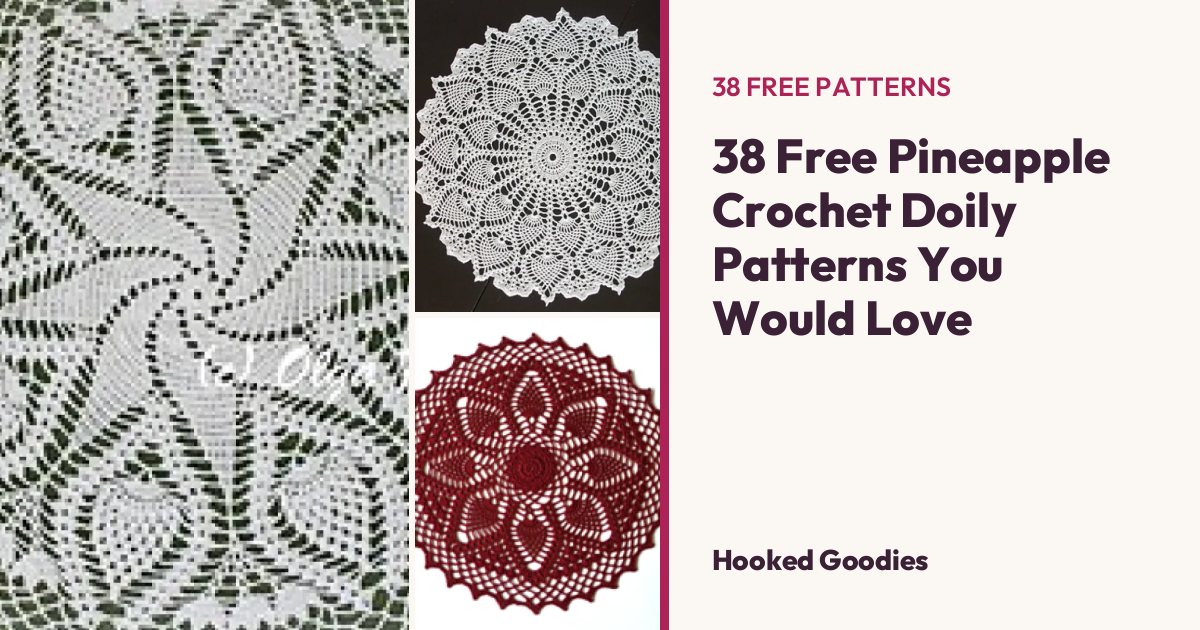 38 patterns
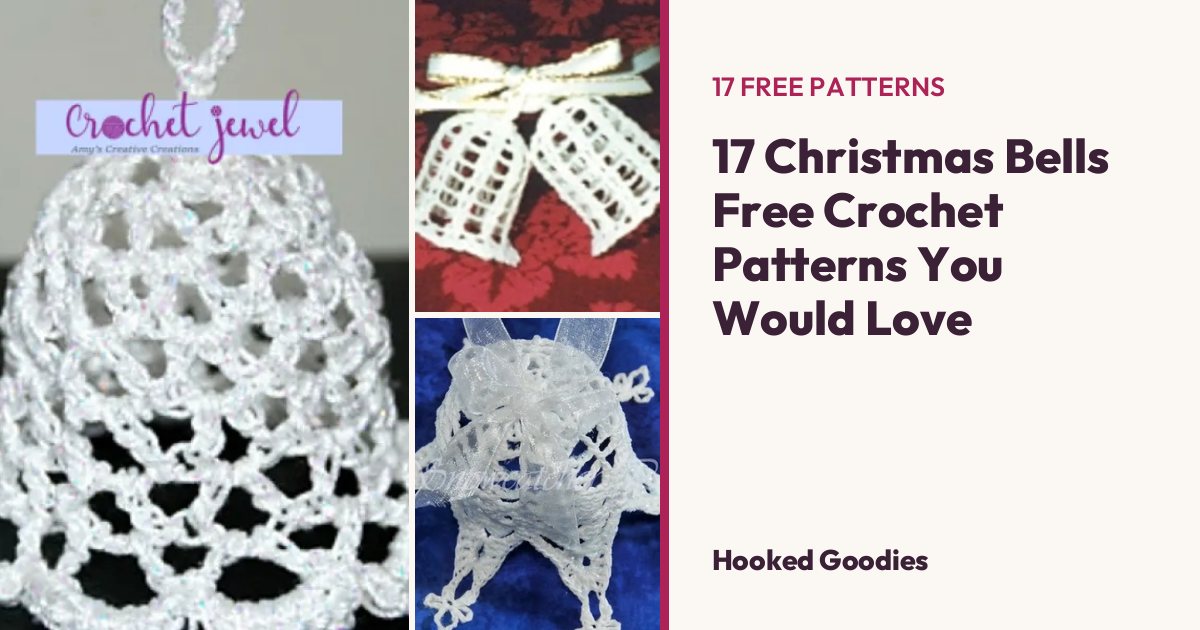 17 patterns